
All our communications are digital through Arbor; we do not routinely send paper letters. Please check Arbor regularly so you don’t miss important information. For children’s safety, each parent/carer should have their own account. We will communicate through in-app messages or email at different times, depending on the nature of the subject.
First Time Logging In
- We recommend using Google Chrome to get set up for the first time.
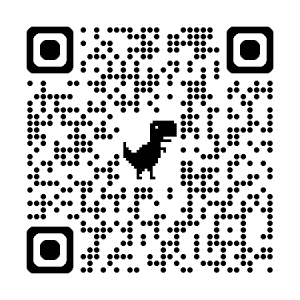
- Scan QR code or go to: https://thames-view-infants.uk.arbor.sc/?/home-ui/index.
- Click “First time logging in?“.
- Use the email address that you gave to the school in your contact information as your username.
- It will ask you for your child’s date of birth.
- Tick the box stating that you accept Arbor’s standard terms and conditions.
- Once you are in, download the Arbor app from Google Play or the App Store.
- Repeat with the second parent/carer (if applicable) in your family, so that your are both set up on Arbor.